Is Rytr Worth It? An Honest Review for Small Businesses in 2026
The straight answer to whether Rytr is worth paying for — no fluff, no affiliate bias, just what small business owners actually need to know
This article contains affiliate links. If you purchase through these links, we may earn a commission at no extra cost to you. This does not affect our assessment — we only recommend tools we genuinely believe deliver value.
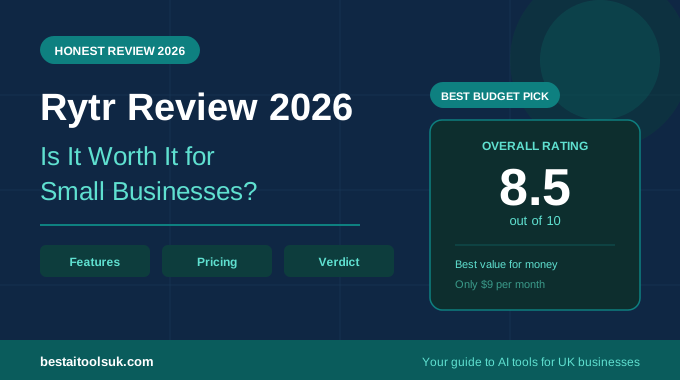
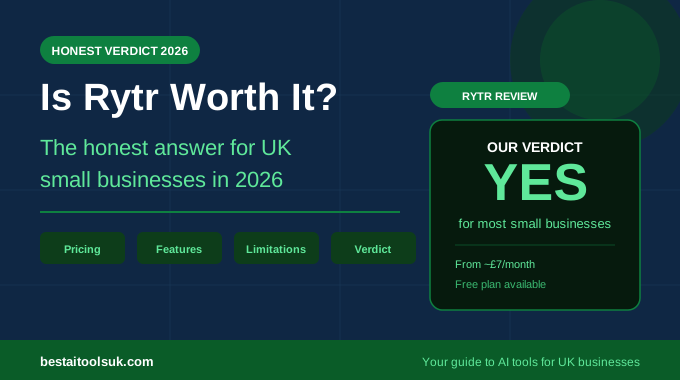
Is Rytr worth it? Yes — for most small businesses, Rytr at $9 per month is one of the most straightforwardly justified software purchases you can make. If you write more than ten business emails per week, send proposals, or produce any regular content for your business, Rytr saves you more time in the first week than you will spend reading this review. That is the short answer.
The longer answer is that Rytr is not the right tool for everyone. It is not the most powerful AI writing tool available. It is not the best choice if SEO blog content is your primary goal. And the character limits on the cheaper plans become frustrating faster than most people expect. This review tells you exactly who should buy Rytr, who should look elsewhere, and why the price point makes it almost impossible to get wrong even if you are on the fence.
Is Rytr Worth It: The Verdict Upfront
Rytr is worth it if you are a UK small business owner who spends meaningful time every week on business writing — emails, proposals, social captions, pitch copy, client updates. At approximately £7 per month on the Saver plan it is cheaper than a single hour of a freelance copywriter’s time and delivers significantly more value across a working month.
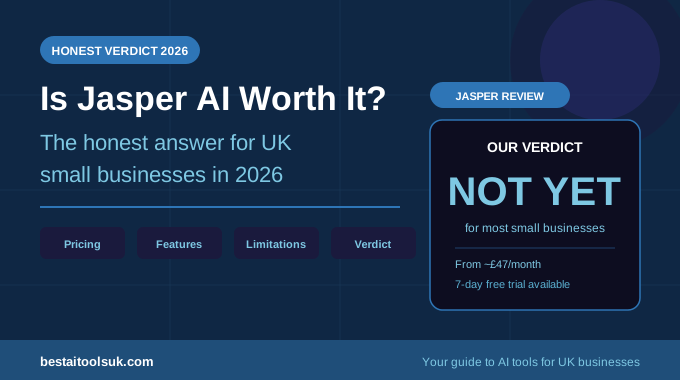
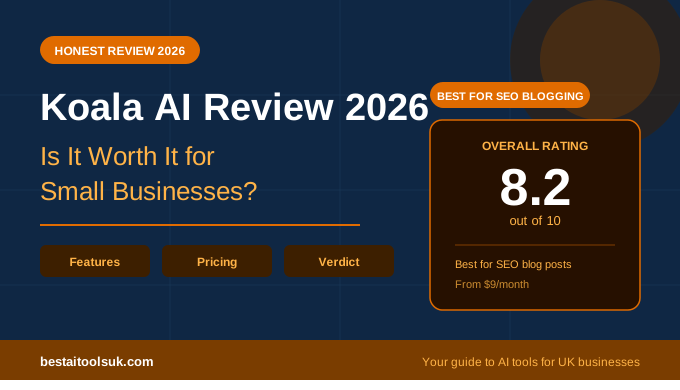
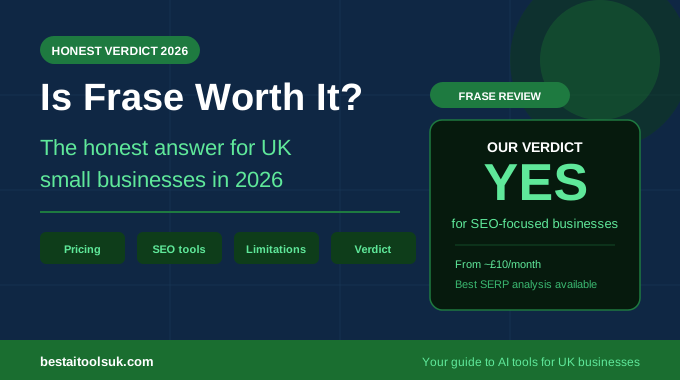
Rytr is not worth it if your primary content goal is long-form SEO blog writing. Frase or Koala AI serve that use case better. And if brand voice consistency across large volumes of content is your priority, Jasper AI is the more appropriate tool despite costing eight times as much.
For the vast majority of small businesses in the UK — sole traders, small teams, service businesses, freelancers — Rytr hits the sweet spot between price, capability, and ease of use that no other tool currently matches.
What Rytr Actually Does Well
Business Email Writing — Where Rytr Genuinely Earns Its Price
The single most compelling use case for Rytr is business email writing, and it is not particularly close. The Email and Follow-up Email use cases produce professional, well-structured drafts that require minimal editing for most standard business scenarios. Proposal follow-ups, new client introductions, meeting requests, complaint responses, price increase notifications — Rytr handles all of these with a consistency that is difficult to achieve when you are writing under pressure or time constraints.
The tone of voice selector — twenty options ranging from formal to conversational to assertive — is more useful than it sounds. Being able to switch from the measured tone needed for a difficult client email to the enthusiastic tone appropriate for a new business pitch without rewriting from scratch saves time every single week. Users on G2 and Trustpilot consistently cite email writing as the feature that made them upgrade from the free plan to the Saver plan within the first week.
Proposal and Pitch Writing
Writing a business proposal from scratch is one of the most time-consuming things a small business owner does. Getting the structure right, justifying the price, articulating the value — it is genuinely difficult to do well when you are also running a business. Rytr’s Business Pitch use case produces a solid framework for proposals that covers the essential elements — problem, solution, differentiator, call to action — in a professional tone that needs personalisation rather than a complete rewrite.
The realistic time saving here is significant. A proposal introduction and solution section that might take ninety minutes to write from scratch takes around fifteen minutes with Rytr handling the draft. Over a month of sending regular proposals, that compounds into hours returned to you every week. See our full guide on how to write a business proposal using Rytr for the step by step workflow.
Social Media Content
Social media captions are one of the most efficient uses of Rytr’s character allowance. Individual captions consume relatively few characters meaning you can generate a full week of LinkedIn posts, Instagram captions, and Facebook updates and barely dent your monthly limit. For small business owners who know they should be posting on social media but find the writing process tedious, Rytr removes the friction almost entirely.
The quality of social output is good rather than exceptional — Rytr produces competent, professional captions that communicate the point clearly. If you need social content that is genuinely witty or highly distinctive, you will still need to add your own personality. But for businesses that just need consistent, professional social presence, Rytr is more than adequate.
The Chrome Extension
Rytr’s Chrome extension deserves specific mention because it meaningfully changes how useful the tool is in practice. Rather than switching between tabs every time you need to write something, the extension lets you use Rytr directly inside Gmail, Google Docs, and most other web-based tools. For anyone who lives in their inbox this single feature makes the $9 per month feel like a bargain — it removes the friction that stops people actually using tools they have paid for.
Where Rytr Falls Short
The Character Limits Are Real
The Saver plan’s 100,000 characters per month sounds generous until you start using Rytr regularly for multiple use cases. A single long-form blog post draft can use 8,000 to 12,000 characters. A week of emails, social content, and one proposal section can consume 20,000 to 30,000 characters without difficulty. Heavy users will hit the Saver plan limit within three weeks of a busy month and face the choice of waiting for the reset or upgrading to the Unlimited plan at $29 per month.
This is not a dealbreaker — the Unlimited plan at approximately £23 per month is still excellent value — but it is worth knowing upfront that the $9 Saver plan has genuine constraints for businesses producing high volumes of content.
Long-Form SEO Content Is Not Its Strength
If you want AI to help you produce blog content that ranks on Google, Rytr is the wrong tool. It lacks the SERP analysis that Frase provides, the real-time web data that Koala AI uses, and the long-form coherence that Writesonic manages for extended articles. Rytr produces good blog post outlines and strong introductions but struggles to maintain quality and focus across a full 1,500 to 2,000 word article.
Use Rytr for business writing and communication. Use Frase or Koala AI for SEO blog content. Trying to use Rytr for both dilutes what it does genuinely well. See our Frase vs Koala AI comparison for guidance on which SEO tool suits your needs better.
No Real-Time Data
Unlike Koala AI which pulls current information from the web, Rytr generates content based on its training data. For evergreen business writing — emails, proposals, social captions — this is not a problem. For content that requires current information, recent statistics, or up-to-date industry knowledge, the lack of real-time data is a genuine limitation. Factor this in if your content relies heavily on current information.
Rytr Pricing: Is the Cost Justified?
| Plan | Price | Characters | Best For |
| Free | £0/month | 10,000/month | Testing the platform |
| Saver | ~£7/month | 100,000/month | Most small businesses |
| Unlimited | ~£23/month | Unlimited | Heavy daily use |
The Saver plan at approximately £7 per month is the right choice for most small businesses. The free plan is genuinely useful for testing — 10,000 characters with no time limit and no credit card required — but most businesses exhaust it within the first week of regular use, which is usually enough to confirm that upgrading is worthwhile.
The Unlimited plan at approximately £23 per month makes sense for businesses producing high volumes of content across multiple formats every week. At that level Rytr is still significantly cheaper than any freelance copywriting alternative and delivers better consistency.
To put the pricing in context: the average UK freelance copywriter charges £50 to £100 per hour. The Saver plan costs the equivalent of about four minutes of a freelance copywriter’s time per month. Even accounting for the editing time Rytr output requires, the cost comparison is not close.
Who Should Buy Rytr
- Small business owners who write more than ten business emails per week
- Freelancers who send regular proposals and client pitches
- Service businesses that need consistent professional communication
- Anyone who produces social media content manually and finds it time-consuming
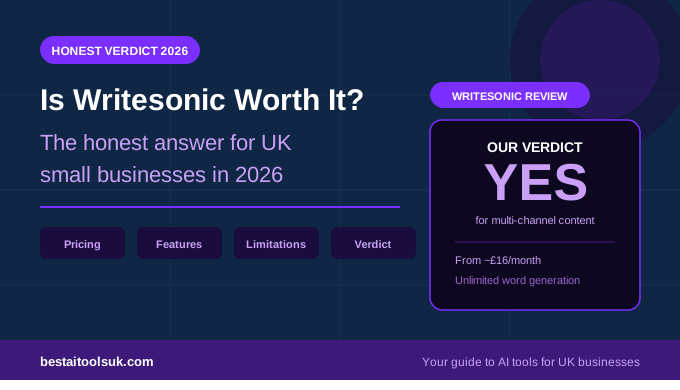
- Small businesses on tight budgets who need AI writing capability without the premium price of Jasper or Writesonic
- Anyone who wants to test AI writing tools properly before committing to a more expensive platform
- Not sure whether to start with the free plan? See our honest Rytr free plan review.
Who Should Look Elsewhere
- Businesses whose primary content goal is ranking on Google — use Frase instead
- Brands that need consistent voice across high volumes of content — consider Jasper AI
- Anyone needing real-time web data in their content — use Koala AI
- Businesses producing multiple long-form articles per week — Writesonic or Koala AI serve this better
Rytr vs The Alternatives: Quick Comparison
| Where Rytr Wins | Where Rytr Falls Short |
| Email and proposal writing | Character limits on free and Saver plans |
| Social media captions | No native SEO tools built in |
| Business pitch copy | Long form blog articles need editing |
| Tone of voice flexibility | No real-time web data |
| Chrome extension for Gmail | Not as powerful as Jasper for brand voice |
| Price — genuinely hard to beat | Unlimited plan needed for heavy use |
The Bottom Line: Is Rytr Worth It?
For UK small businesses, Rytr is worth it. The question is not really whether it delivers value — at £7 per month the bar for justifying the cost is extremely low and Rytr clears it easily for any business that communicates with clients regularly. The real question is whether it is the right tool for your specific needs, and the answer to that depends entirely on what you primarily need AI writing for.
If you need help with emails, proposals, and everyday business writing, Rytr is the best value option available in 2026. If you need help with SEO blog content, start with Frase instead. If you need both, start with Rytr and add Frase when your content output justifies the additional cost.
The free plan removes all financial risk from the decision. Try it for a week on your actual business writing tasks and let the results tell you whether the Saver plan is worth it. In almost every case, it is.
⭐ Try Rytr free — no credit card, no time limit. If it saves you time in the first week the Saver plan is an obvious decision. Try Rytr free here → rytr.me
Published on bestaitoolsuk.com — Your trusted guide to AI tools for UK businesses